
While we encourage everyone to be familiar with our help articles, our Support team is also here to help! Whether needing a meeting, help with a specific invoice, or just needing to give feedback, there are many ways to reach out to our Support team!
- The PartsRec dashboard and menu both include links to submit a help ticket, schedule a training call, or visit our help center.
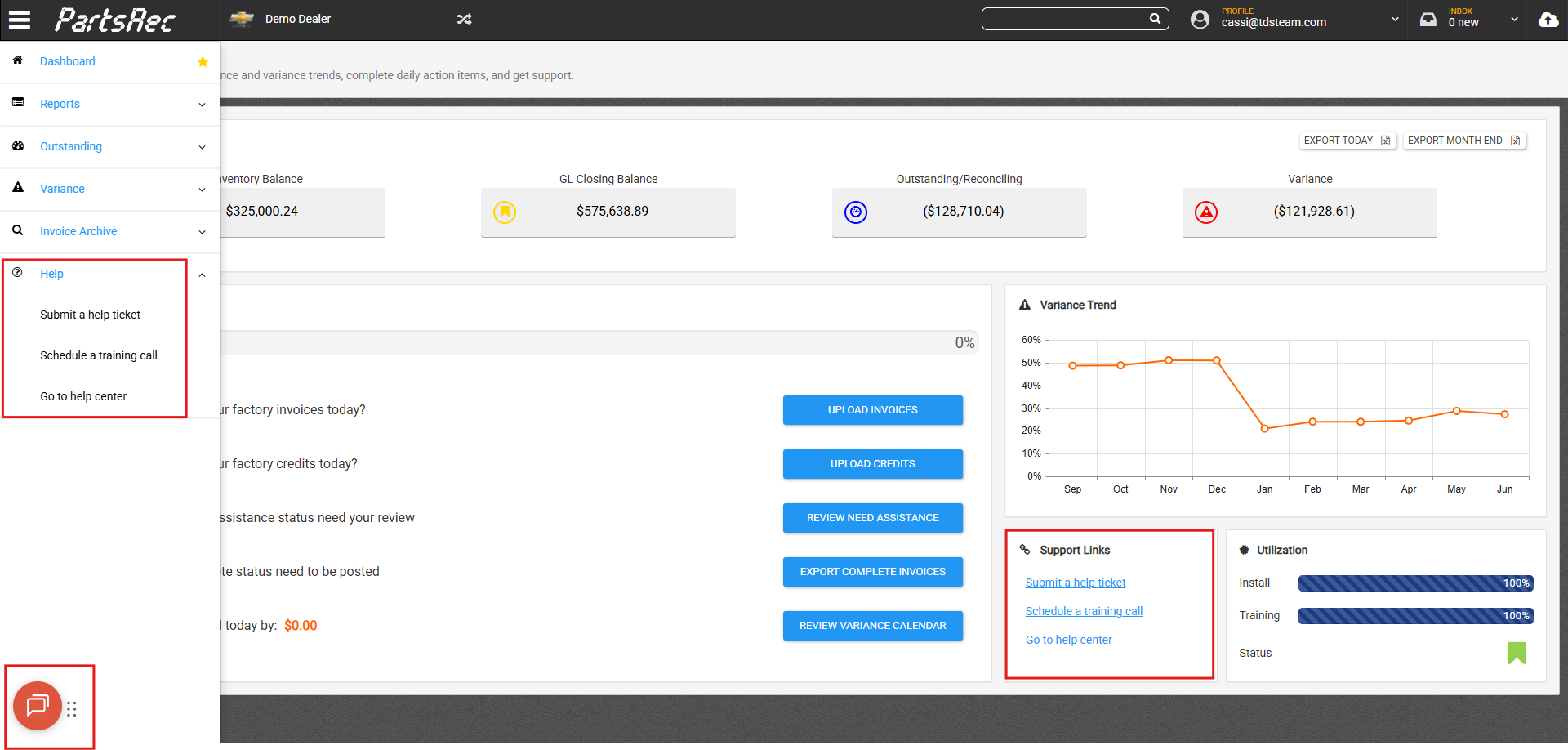
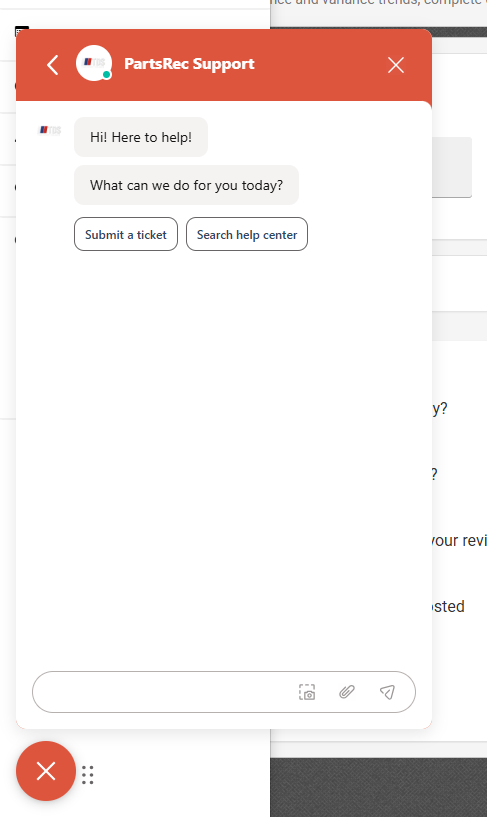
- Submit a help ticket will pop open the red Help button in the bottom left corner. From here, you have access to our help center articles. Choose Submit a Ticket to get help from the support team or Search Help Center for a help article.
- Schedule a training call will allow you to schedule a call with one of our support staff if you have the unlimited training package.

- Go to help center will lead you directly to our help center which houses all our help articles. From here, you can search for an article, see a list of all articles in the help center, and see our most promoted articles. These articles answer a lot of our most asked questions with step-by-step guides, videos, and screenshots.

- Any invoice or variance error in PartsRec can be assigned to PartsRec Support for help. Use the Edit button to add a note with your question and any relevant information. Then, click Assign and choose PartsRec Support. If you would like to include someone else from your organization, choose their name in the CC column. Click SAVE AND SEND EMAIL to send the invoice to our help desk as a ticket, and someone from our Support team will answer your question!
